


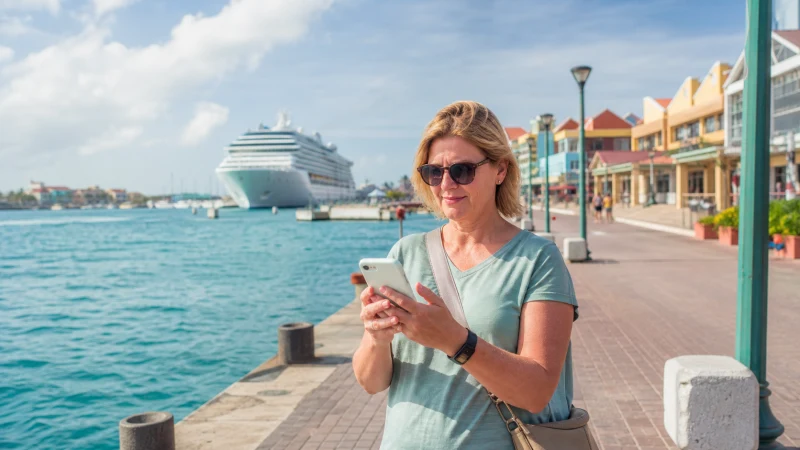

Aruba is a regular stop on Caribbean cruise itineraries, with ships docking directly in Oranjestad — and connectivity planning here splits cleanly between what happens at sea and what happens once you’re ashore for what’s usually a single, limited day.
Quick answer: Ship WiFi is typically expensive and slow, better treated as a backup than a primary plan. Once ashore in Oranjestad, a local SIM or eSIM gives you affordable, reliable data for your time in port — installing an eSIM before your cruise means you’re ready to go the moment you dock.
Top Aruba eSIMs

Aruba eSIM
Fixed
1 GB, 7 days10.50$2 GB, 15 days19.00$3 GB, 30 days26.50$Unlimited
Unlimited, 1 day14.50$Unlimited, 3 days42.50$Unlimited, 5 days70.00$
Caribbean eSIM
Fixed
1 GB, 7 days10.50$2 GB, 15 days19.00$3 GB, 30 days26.50$Unlimited
Unlimited, 1 day15.50$Unlimited, 3 days44.50$Unlimited, 5 days73.50$Ship WiFi at sea
Cruise ship WiFi, typically satellite-based, tends to be both pricier and slower than land-based mobile data, and this is true regardless of cruise line — worth using sparingly for anything beyond essential messaging, and expecting a genuinely different experience than mobile data on land.
Getting connected once you dock
Once your ship docks in Oranjestad, your phone can connect to Setar or Digicel’s networks directly, provided you have a local SIM or eSIM active — the installing an eSIM guide covers setting this up before your cruise so you’re ready immediately upon docking.
Time ashore is limited — plan accordingly
Given how little time cruise passengers typically have in port, having connectivity sorted before you even leave the ship — rather than hunting for a SIM kiosk during your limited hours ashore — makes a real difference to how much of your port day you actually get to enjoy.
Activating right as you disembark
The moment you step off the gangway is genuinely the best time to switch your eSIM on, not before you’ve left your cabin and not after you’ve already walked into town — that way you’re connected for the whole walk into Oranjestad rather than fumbling with settings once you’re already among the crowds near the port.
Sizing data for a single day ashore
A day in port typically needs less data than a longer land-based stay — the how much data guide covers sizing a short-validity bundle appropriately for this kind of brief visit, and the best SIM card guide covers choosing a network if you’re buying one from a kiosk instead.
Exploring beyond Oranjestad in a single day
Some cruise passengers venture beyond the port to Palm Beach or even a quick look at Arikok National Park — the Oranjestad guide covers the port town itself, while the Aruba road trip guide covers connectivity if you’re renting a car for a fuller day.
FAQ
Is ship WiFi good enough for an Aruba cruise stop?
It’s typically expensive and slow — better as a backup than your primary connectivity plan.
Should I get a local SIM for time ashore?
Yes, worth considering for affordable, reliable data during your port day.
Should I install an eSIM before my cruise?
Yes, so you’re connected the moment your ship docks rather than searching for a SIM kiosk in port.
When exactly should I activate my eSIM?
Right as you step off the ship, so you’re connected for the entire walk into town.
How much data do I need for a day in port?
Less than a longer stay — a short-validity bundle sized for a single day typically suffices.
Can I explore beyond Oranjestad in one cruise day?
Yes, though renting a car and planning your route carefully matters more given the time limit.
Final Recommendation
Install an eSIM before your cruise so you’re connected the moment you dock, and treat ship WiFi as a backup rather than your main plan. See the installing an eSIM guide to get started.