


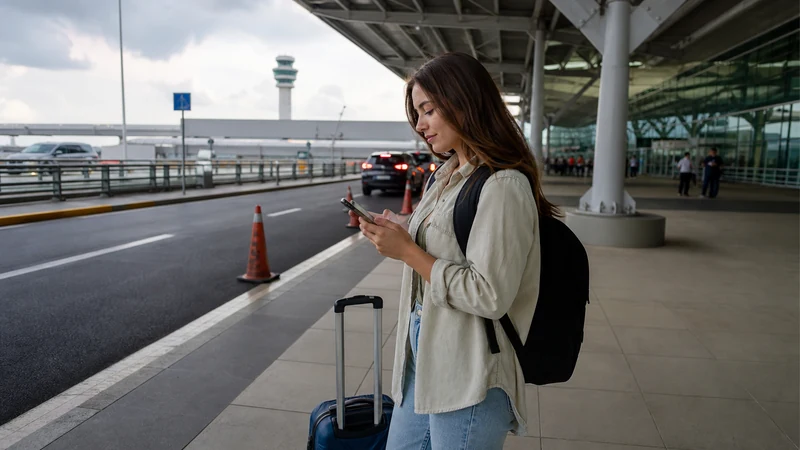

Activate a Panama eSIM by turning on the installed travel line, selecting it for mobile data and enabling Data Roaming for that line. Keep the home SIM from carrying data.
Installation, validity and network registration are separate events. Follow the exact order rule for when the plan begins.
NoveSIM Panama plans are data-only, so test activation with a webpage or messaging app rather than a conventional call.
Quick answer: After arrival, enable Panama Data, select it as the data line, turn on roaming for it, disable automatic switching and test with Wi-Fi off. Leave network selection on Automatic.
Top Panama eSIMs

Panama eSIM
Fixed
1 GB, 7 days€ 4.442 GB, 15 days€ 7.543 GB, 30 days€ 9.76Unlimited
Unlimited, 1 day€ 4.88Unlimited, 3 days€ 11.98Unlimited, 5 days€ 19.08
Central America eSIM
Fixed
1 GB, 7 days€ 7.102 GB, 15 days€ 11.543 GB, 30 days€ 15.53Unlimited
Unlimited, 1 day€ 6.66Unlimited, 3 days€ 16.42Unlimited, 5 days€ 26.18Before enabling the line
Confirm the profile is already installed and check the plan’s validity trigger. Save the first address and route offline. If installation is incomplete, return to the installation guide.
Activate in the correct order
- Open the SIM or cellular settings.
- Turn the Panama eSIM on.
- Select it for mobile or cellular data.
- Enable Data Roaming on the Panama line.
- Disable Data Roaming on the home line.
- Turn off automatic data switching.
- Leave network selection on Automatic.
- Switch Wi-Fi off and test a small webpage.
What successful activation looks like
The phone registers on an authorised network and data loads with Wi-Fi off. The status bar may show 4G instead of 5G; that is not a failure when the connection is usable.
If registration takes time
Wait a few minutes, then use aeroplane mode for 30 seconds. Restart if needed. If signal appears without internet, check validity and allowance before manual APN. NoveSIM manual APN is data.esim.
Keep the installed eSIM and use the symptom-based diagnosis if data still fails. For line roles, review Dual-SIM settings.
Related Articles
FAQ
Should Data Roaming be on?
Yes for the Panama travel eSIM; keep it off for the home SIM.
Should I select a network manually?
Start with Automatic. Use manual selection only when instructed.
Does seeing 4G mean activation failed?
No. Stable 4G is a valid mobile-data connection.
Should I reinstall if activation is slow?
No. Keep the profile and use reversible registration checks.
Final Recommendation
Activate a Panama eSIM by assigning the data role deliberately.
Protect the home line from roaming and test with Wi-Fi off.
Keep the profile installed while resolving registration or routing delays.