


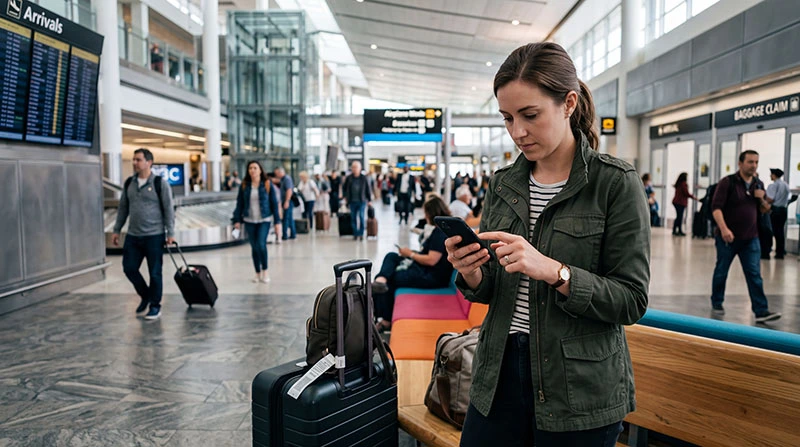

Just landed and your eSIM is not working yet?
This is a common situation for travelers. Even if your eSIM is installed, you may still need to activate it properly after arriving in your destination.
The good news: activating your eSIM takes only a few minutes.
This guide shows exactly how to activate your eSIM after landing and get mobile internet instantly.
Step 1: Turn Off Airplane Mode
After landing, disable airplane mode to allow your phone to connect to local networks.
Step 2: Enable Your eSIM
- go to mobile settings
- select your eSIM profile
- turn it on
Step 3: Turn On Data Roaming
This is the most important step.
- open mobile settings
- select your eSIM
- enable data roaming
Without roaming, your eSIM will not work abroad.
Step 4: Select eSIM for Mobile Data
- set eSIM as primary data line
- disable automatic switching if needed
Step 5: Wait for Network Connection
Your phone will connect to a local partner network automatically.
This usually takes a few seconds.
Step 6: Test Your Connection
- open a website
- check maps or apps
If everything works — your eSIM is active.
What If Your eSIM Still Doesn’t Work?
- toggle airplane mode
- restart your phone
- try manual network selection
Common Activation Mistakes
- data roaming turned off
- wrong SIM selected
- eSIM not enabled
Pro Tips for Faster Activation
- install your eSIM before travel
- check settings before landing
- restart your phone after setup
Related Guides
Get online instantly after landing.
Activate your eSIM in seconds and stay connected anywhere in the world.
FAQ
Do I need to activate my eSIM after landing?
Yes. In most cases, activation happens automatically once you connect to a local network.
Why is my eSIM not working after landing?
This is usually due to roaming being disabled or incorrect settings.
How long does eSIM activation take?
Usually a few seconds to a few minutes.
Can I activate eSIM before traveling?
Yes. It is recommended to install and prepare your eSIM before departure.
Do I need internet to activate eSIM?
No, activation typically happens through the mobile network.
Author: NoveSIM Travel Team