


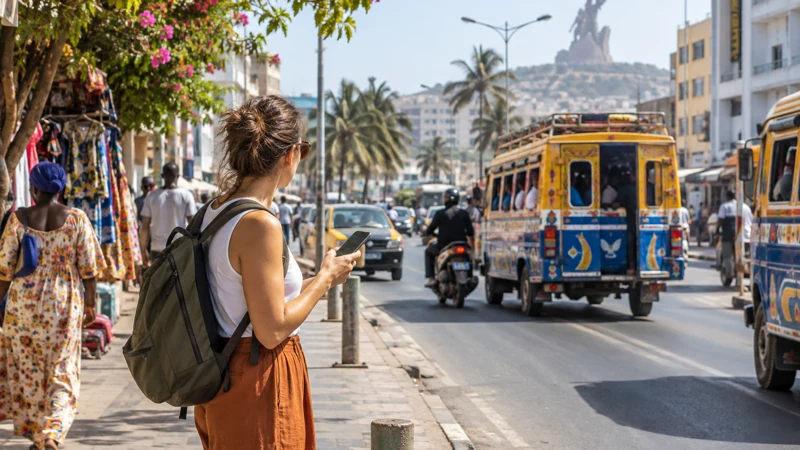

Travellers can get mobile internet in Senegal through a travel eSIM, a Senegalese prepaid SIM or roaming on their home line. The right option depends on whether you need data immediately, a local phone number or a connection for a longer stay.
Dakar is the easiest place to organise connectivity, but an itinerary may also include Saly, Saint-Louis, inland roads or Casamance. Prepare for the whole route rather than judging the trip by airport or hotel Wi-Fi.
NoveSIM travel eSIMs are data-only. We do not provide a Senegalese number, conventional calls or SMS; data-based calling and messaging remain available.
Quick answer: A travel eSIM is usually the simplest choice for data from arrival, a local SIM is better when you need a Senegalese number or a long local bundle, and home roaming is convenient only when its price and allowance are acceptable. Keep offline directions for journeys beyond the main urban areas.
Top Senegal eSIMs


Which connection option fits your trip?
| Option | Useful when | Check first |
|---|---|---|
| Travel eSIM | You want data prepared before arrival | Compatibility, validity and coverage |
| Local prepaid SIM | You need a local number or longer local package | Registration, shop hours and current offer |
| Home roaming | Your carrier includes Senegal at a reasonable rate | Daily fee, cap and fair-use conditions |
| Public or hotel Wi-Fi | You need a backup for light tasks | Availability, security and login limits |
Current NoveSIM allowances appear on the Senegal eSIM page. Travellers considering a local line should use the Senegal SIM card guide before deciding to buy after arrival.
Can you rely on roaming?
Roaming is not automatically expensive, but Senegal may fall outside the inclusive zone of a European, UK or North American plan. Check the exact destination rate, daily pass rules, high-speed allowance and what happens after the cap. A familiar carrier name is not evidence that Senegal is included.
If the cost is unclear, disable data roaming on the home SIM before landing. You can often keep that line available for calls or verification messages while assigning mobile data to the eSIM. The guide to using an eSIM beside the old SIM explains the setup.
How much data will you use?
Navigation, messaging and booking confirmations consume far less data than video calls, streaming or automatic photo backup. Download maps over Wi-Fi, save accommodation details and pause cloud synchronisation when the allowance is limited.
- A short Dakar stay is mainly a maps-and-messaging use case.
- A multi-stop journey needs extra allowance for repeated navigation and research.
- Remote work requires headroom for calls, large files and hotspot use.
Estimate usage with the NoveSIM data guide rather than relying on a generic daily figure.
How should you prepare for travel beyond the capital?
Mobile reception can change on longer road sections, indoors and in less populated areas. Save the route before departure and do not rely on a live connection for the address of a lodge, ferry or transfer meeting point. The Senegal eSIM coverage guide covers this route-first planning in more detail.
What should you do on arrival?
- Connect to trusted airport Wi-Fi only if you need it for setup.
- Turn on the selected data line and confirm that it is assigned to mobile data.
- Enable roaming on the travel eSIM when the plan requires it.
- Load a webpage and your saved route before leaving the terminal.
- Keep automatic network selection enabled unless the plan instructions say otherwise.
The Dakar airport internet guide focuses on the first connection after landing.
Related Articles
FAQ
What is the easiest way to get internet in Senegal?
For a short visit, a pre-installed travel eSIM is usually the easiest data option. A local SIM is more suitable when you require a Senegalese number or a longer local package.
Is hotel Wi-Fi enough for a Senegal trip?
It may cover evening browsing, but it cannot support navigation, transfers and communication while you are away from the property.
Can I use WhatsApp with a data-only eSIM?
Yes. WhatsApp normally continues to use the number already registered in the app while the eSIM supplies mobile data.
Should I enable roaming on the eSIM?
Many travel eSIMs require data roaming on the eSIM line. Follow the plan instructions and keep roaming disabled on the home line unless you intend to use it.
Final Recommendation
Use a travel eSIM for convenient arrival data, a local SIM for a local number or extended stay, and roaming only after verifying the complete price.
Assign mobile data deliberately, test the connection before leaving the airport and save essential directions offline.
This combination gives you dependable access in Dakar while reducing avoidable problems on longer Senegal journeys.