


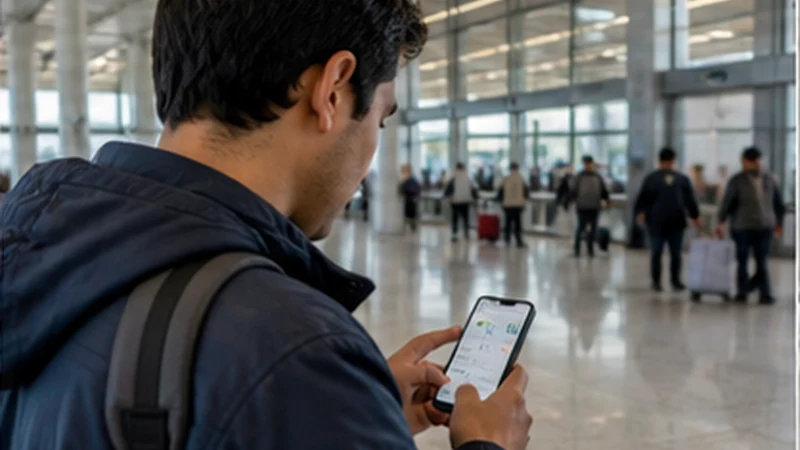

Viru Viru airport eSIM setup should normally mean activating a profile installed before the flight, not exposing a private QR code on public Wi-Fi.
The arrival task is to choose the correct data line, enable its roaming and allow the handset to register before leaving the terminal.
NoveSIM plans are data-only, so the home SIM can remain available for its normal number while the travel line supplies internet access.
Quick answer: Complete Viru Viru airport eSIM setup by turning on the installed Bolivia profile, selecting it for mobile data, enabling Data Roaming and keeping automatic switching off.
Top Bolivia eSIMs


Viru Viru Airport eSIM Setup Sequence
- Turn on the Bolivia or Travel profile.
- Select it as the mobile data line.
- Enable Data Roaming for that profile.
- Disable roaming on the home SIM.
- Leave network selection on Automatic.
Install before departure using the Bolivia installation guide. The broader Viru Viru Airport guide covers Wi-Fi and local-SIM alternatives.
If Data Does Not Start
Use Airplane Mode for 30 seconds, reconnect and restart. If signal is present without internet and a manual APN is required, enter data.esim.
Do not delete the installed eSIM. Follow the Bolivia activation stages and contact support before removal.
Related Articles
FAQ
Should I install the eSIM at Viru Viru Airport?
Installing before travel over trusted Wi-Fi is preferable; activate the prepared line after landing.
Should Data Roaming be on?
Yes, for the travel eSIM. Keep it off for the home line.
What APN should I enter?
Use data.esim only when manual APN entry is required.
Should I delete a profile that does not connect?
No. Preserve it and complete reversible arrival checks first.
Final Recommendation
Viru Viru airport eSIM setup is quickest when installation is already complete.
Select the correct line, enable its roaming and give automatic registration time.
Keep the profile installed and leave the terminal with the Santa Cruz address available offline.