


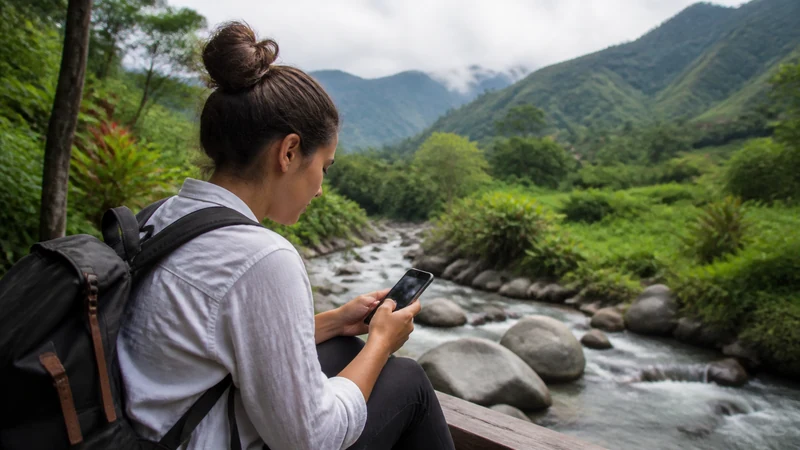

Mobile internet from David to Boquete can change as the route climbs into the highlands. A working line in David confirms setup, not coverage at a hillside property.
Use David as a preparation point for maps, arrival messages and offline accommodation details.
NoveSIM Panama plans are data-only and do not include a local number, calls or SMS.
Quick answer: Test with Wi-Fi off in David, download the complete route and ask the Boquete host about signal at the exact address.
Top Panama eSIMs

Panama eSIM
Fixed
1 GB, 7 days€ 4.452 GB, 15 days€ 7.573 GB, 30 days€ 9.80Unlimited
Unlimited, 1 day€ 4.90Unlimited, 3 days€ 12.03Unlimited, 5 days€ 19.15
Central America eSIM
Fixed
1 GB, 7 days€ 7.132 GB, 15 days€ 11.583 GB, 30 days€ 15.59Unlimited
Unlimited, 1 day€ 6.68Unlimited, 3 days€ 16.48Unlimited, 5 days€ 26.28Finish setup in David
Select the Panama line for data, enable roaming for it and keep the home line protected.
Download the climb and return
Save accommodation, host contact, pickup and alternate route. Use the Boquete guide.
Read a later signal loss correctly
If the line worked in David and stops uphill, location is the leading explanation. Retest in central Boquete before changing settings.
Keep the profile
Leave selection Automatic and use data.esim only when manual APN is required. See coverage and diagnosis.
Related Articles
FAQ
Will signal continue all the way?
Do not assume so; terrain and settlement distance matter.
Where should I test?
In David and again in central Boquete.
Should the route be offline?
Yes, including the return.
Should I reinstall after a gap?
No. Retest in a populated location.
Final Recommendation
Prepare David-to-Boquete mobile internet before the climb.
Verify the destination address separately.
Keep the installed eSIM through terrain-related gaps.