


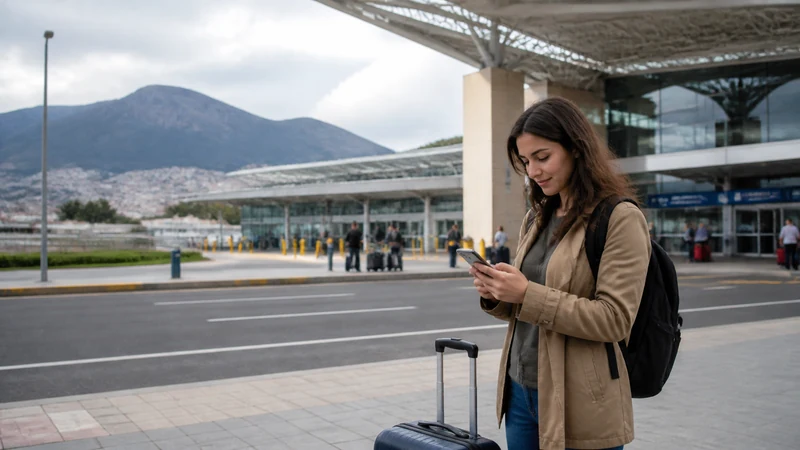

Mobile internet in Cuenca is useful for walking directions, accommodation messages and transport planning. Hotel or apartment Wi-Fi is better suited to large backups and long video sessions.
Cuenca’s historic buildings, internal courtyards and surrounding Andean terrain can make indoor reception different from the signal on an open street. Check the immediate location before assuming the eSIM settings are wrong.
NoveSIM travel eSIM plans provide data only, without an Ecuadorian number or traditional calls and SMS. Internet-based calling and messaging continue to work over data.
Quick answer: Use mobile data while exploring Cuenca, keep an offline city map, and test important calls from the actual room or workspace. Download day-trip routes before leaving the urban area.
Top Ecuador eSIMs

Ecuador eSIM
Fixed
1 GB, 7 days€ 4.462 GB, 15 days€ 7.593 GB, 30 days€ 10.26Unlimited
Unlimited, 1 day€ 4.91Unlimited, 3 days€ 8.48Unlimited, 5 days€ 12.05
How Mobile Internet in Cuenca Changes Indoors
A phone may register normally outside and weaken inside a deep room. Before changing network settings, test near an exterior opening or outdoors. For a wider explanation, see Ecuador eSIM coverage.
Separate City Use from Day Trips
Maps, messaging and booking checks around Cuenca are one connectivity task. Roads, viewpoints and rural accommodation outside the city are another. Save the full route and return information before departure and consult the Andes mobile-internet guide.
A Practical Cuenca Setup
- Keep the Ecuador eSIM selected for mobile data.
- Enable Data Roaming on the travel line, not the home line.
- Turn off automatic data switching.
- Download Spanish and map resources for offline access.
- Use trusted accommodation Wi-Fi for system updates and media backup.
If installation is still pending, follow the Ecuador eSIM installation steps before the connection is urgently needed.
If the Phone Shows Signal but No Internet
- Check that the correct SIM is carrying mobile data.
- Confirm the travel line is switched on with Data Roaming enabled.
- Use Airplane Mode briefly and wait for fresh registration.
- Check the plan balance.
- Enter data.esim only when a manual APN is required.
Do not delete the eSIM as an early fix. Continue with the Ecuador troubleshooting guide if these checks do not restore data.
Related Articles
- Mobile Internet in Ecuador
- Estimate Data for Ecuador
- Dual-SIM Use in Ecuador
- Ecuador Road-Trip Internet
FAQ
Is mobile data practical for exploring Cuenca?
Yes, especially for directions and messages. Keep an offline map because indoor spaces and trips outside the city can change reception.
Why is the signal weaker in my accommodation?
Room position, walls and courtyards can affect indoor signal. Test outside before changing a working configuration.
Should I stream over mobile data?
You can if the allowance and connection support it, but trusted Wi-Fi is usually more economical for sustained video and backups.
What APN applies if manual setup is needed?
The NoveSIM APN is data.esim. Keep the existing eSIM profile while checking coverage, allowance and line selection.
Final Recommendation
Use mobile internet in Cuenca for movement and Wi-Fi for high-volume tasks.
Test the actual room before relying on the connection for work or an important call.
Download day-trip information before leaving the city and treat Andean routes as a separate coverage environment.