


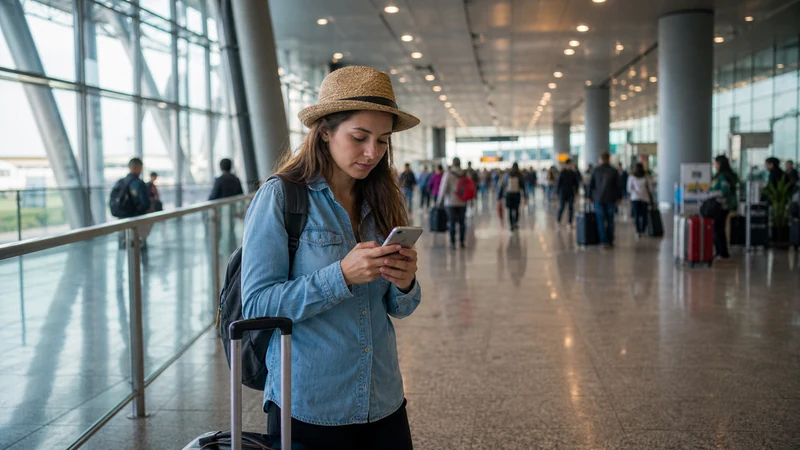

Internet at Bogotá Airport is available through airport Wi-Fi, mobile data from a prepared travel eSIM, home-carrier roaming or a local SIM bought after arrival.
El Dorado is the point where many travellers need a connection for a ride, accommodation message or onward boarding pass, so it is safer to arrive with two workable options.
NoveSIM Colombia plans provide data without a Colombian number, calls or SMS. Messaging and ride applications work over the data connection.
Quick answer: Install an eSIM before flying, use the airport’s verified Wi-Fi as backup and save the transfer address offline.
Top Colombia eSIMs

Colombia eSIM
Fixed
1 GB, 7 days€ 3.962 GB, 15 days€ 7.053 GB, 30 days€ 10.13Unlimited
Unlimited, 1 day€ 5.28Unlimited, 3 days€ 17.61Unlimited, 5 days€ 24.22
Use internet at Bogotá Airport carefully
Check the current official network name on airport signage or with airport staff. Do not choose a network only because its name looks plausible. Avoid banking, password changes and confidential work on an open connection; use it mainly for routine arrival tasks.
If the sign-in page does not appear, turn Wi-Fi off and on, forget the network and reconnect, or open an ordinary non-sensitive webpage to trigger the portal. Do not install an unexpected certificate or application merely to gain access.
Switch on mobile data after landing
- Disable Airplane Mode after the aircraft doors open and local rules permit.
- Switch on the Colombia eSIM.
- Select it as the mobile-data line.
- Enable Data Roaming on the travel line only.
- Open a normal webpage before requesting a ride.
The Colombia activation guide explains these controls. If the line registers without data, use data.esim only when manual APN entry is required and do not delete the installed profile.
Buying a SIM at or after the airport
Availability, counter hours and bundles can change. If a Colombian number matters, compare authorised retail options in the tourist SIM guide. Do not delay a safe transfer merely to find the cheapest bundle.
Prepare for the journey into Bogotá
Save the hotel address, booking reference and a screenshot of the route before departure. The Bogotá internet guide covers connectivity after leaving the terminal.
Handle a connection or airport transfer
For an airside connection, download the onward boarding pass and gate information before the first flight; Wi-Fi should be a backup, not the only copy. For a transfer into Bogotá, confirm the driver or transport method while still inside the terminal and keep the destination address available without data.
Related Articles
FAQ
Should I depend only on airport Wi-Fi?
No. Keep an offline address and another connection option for the transfer.
Can I install an eSIM after landing?
Usually, but installation is less stressful before travel on reliable private Wi-Fi.
Does the eSIM give me a Colombian number?
No. NoveSIM’s Colombia travel plans are data-only.
What if mobile data does not start immediately?
Recheck the data line and roaming, then use reversible troubleshooting without deleting the eSIM.
Final Recommendation
Prepare internet at Bogotá Airport before the flight rather than solving everything in arrivals.
Use verified airport Wi-Fi as backup, not as the only plan.
Leave the terminal with the destination address stored offline and mobile data tested.