


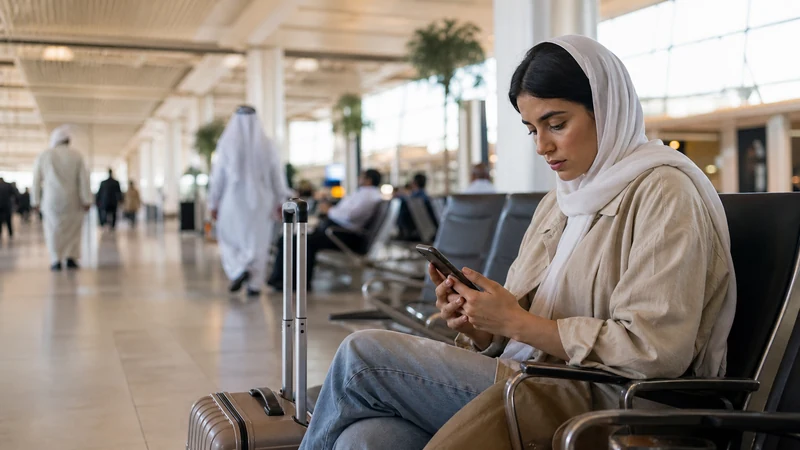

If Kuwait Airport Wi-Fi is not working, first separate three problems: the verified network is missing, the login page has not opened, or the connection drops after login.
A Wi-Fi icon alone does not confirm internet access. Ask staff to verify the current network name and login process; do not install an unknown certificate, configuration profile or app to make it work.
A prepared NoveSIM Kuwait eSIM is data-only and can provide a separate connection when the airport network remains unavailable, provided the plan is active and mobile coverage is available.
Quick answer: verify the network with signage or staff, reconnect once and look for the phone’s sign-in prompt. If the login page still fails, ask staff for the official access instructions. Test mobile data with Wi-Fi off rather than repeatedly changing settings or installing unknown software.
Top Kuwait eSIMs

Kuwait eSIM
Fixed
1 GB, 7 days€ 4.092 GB, 15 days€ 6.373 GB, 30 days€ 9.55Unlimited
Unlimited, 1 day€ 5.00Unlimited, 3 days€ 14.10Unlimited, 5 days€ 20.92
When Wi-Fi is not working at Kuwait Airport: identify the failure
| Symptom | First action |
|---|---|
| Network does not appear | Move to a public seating area and ask staff about availability |
| Connected but no portal | Open the Wi-Fi sign-in prompt or ask staff for the official login page |
| Portal rejects details | Recheck the displayed requirements or ask staff |
| Connection repeatedly drops | Forget and rejoin the verified network |
| Official service is unavailable | Use mobile data or another verified facility |
Safe troubleshooting sequence
- Verify the exact network name.
- Turn Wi-Fi off and on.
- Forget the network and reconnect.
- Wait for the sign-in screen. If the phone shows a Sign in to Wi-Fi notification, open it; otherwise try a non-sensitive browser page.
- If the portal still does not appear, ask staff for the official login address and whether access is currently available in your terminal.
- Only if permitted, briefly disconnect a personal VPN for the portal test. Do not bypass an employer-required VPN or security control; use another connection instead.
- Restart Wi-Fi or the phone if necessary.
Do not accept unexpected certificate warnings or provide unrelated personal information. A look-alike network may imitate an official name.
If you temporarily disconnected a personal VPN, restore it after login before opening sensitive accounts. A portal that keeps rejecting the displayed requirements needs help from the service operator, not random passwords or repeated profile installations.
Separate Wi-Fi from eSIM problems
Airport Wi-Fi and mobile data are independent. To test the fallback, turn Wi-Fi off, confirm the Kuwait eSIM is enabled and selected for Mobile Data, and check its validity and remaining allowance. Enable travel-line roaming as required by the plan, then load a simple webpage.
If there is no mobile service, allow time for registration and try a location with better reception where safe. If signal appears but no webpage loads, follow the Kuwait eSIM no-data checks. Use data.esim only when manual APN entry is required. Keep the installed profile; a failed airport login is not a reason to delete it.
Continue the arrival without Wi-Fi
Use offline copies of the boarding pass, hotel address and driver contact. If mobile data works, retrieve only what is needed and leave the terminal with the pickup point saved.
The Kuwait Airport internet guide compares the arrival alternatives. For connectivity after leaving the terminal, see mobile internet in Kuwait.
Related Articles
FAQ
Why does the airport login page not appear?
The phone may not have opened the sign-in screen, or the service may be unavailable. Reconnect to the verified network once and check the Wi-Fi sign-in prompt. If it still fails, ask staff for the official login instructions. Do not disable required work security controls to force access.
Should I install a certificate to join?
Do not install an unknown certificate or profile. Ask airport staff to verify the official process.
Does failed Wi-Fi mean my eSIM is broken?
No. Test mobile data separately with Wi-Fi off.
Should I delete the eSIM while fixing Wi-Fi?
No. Keep the installed eSIM as backup and use data.esim only when its own manual APN is required.
Final Recommendation
When Kuwait Airport Wi-Fi is not working, verify the network before repeating login steps.
Use a normal browser page to trigger the portal, reject unknown profiles and switch to mobile data or offline documents when access remains unavailable.
Keep the eSIM installed; a Wi-Fi portal problem does not require changing the mobile profile.