


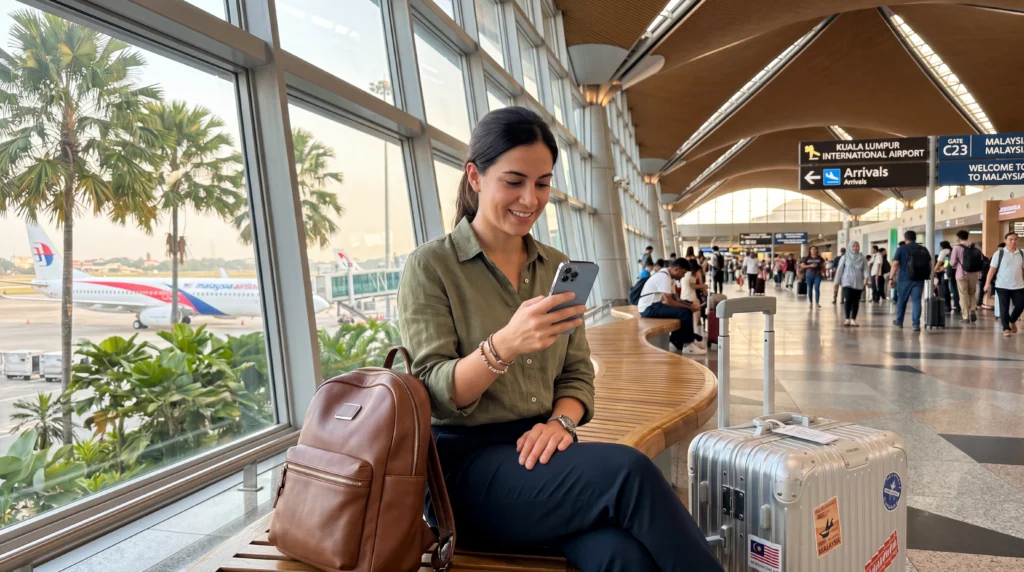

An eSIM can provide mobile data at Kuala Lumpur International Airport without visiting a SIM counter after landing.
Installation is safer before departure because KLIA has separate terminals and airport Wi-Fi should not be the only setup plan.
NoveSIM travel eSIMs are data-only and do not provide a Malaysian number, conventional calls or SMS.
Quick answer: Install the Malaysia eSIM on stable Wi-Fi before flying. At KLIA, enable the line, select it for mobile data, turn on roaming and test with airport Wi-Fi switched off before starting the city transfer.
Top Malaysia eSIMs

Malaysia eSIM
Fixed
1 GB, 7 days€ 4.032 GB, 15 days€ 7.163 GB, 30 days€ 9.39Unlimited
Unlimited, 1 day€ 5.37Unlimited, 3 days€ 12.97Unlimited, 5 days€ 21.02
Prepare before the flight
Confirm compatibility, unlock status and activation timing. Compare Malaysia eSIM plans and retain the QR and manual details offline.
Connect after landing
Keep network selection automatic initially and disable mobile-data switching. If you prefer physical service, use the KLIA SIM guide.
Test before leaving the terminal
Open a webpage and map with Wi-Fi off. Follow Malaysia troubleshooting without deleting the profile if data fails.
Related Articles
FAQ
Can I install an eSIM at KLIA?
Yes, but installation before departure is safer.
Should roaming be enabled?
Yes for many travel eSIMs.
Does it include a Malaysian number?
NoveSIM plans are data-only.
Should I delete it if data fails?
No, preserve the installed profile.
Final Recommendation
Install and label the eSIM before travel.
Activate the correct data and roaming settings after landing.
Test without Wi-Fi before leaving KLIA for Kuala Lumpur.