


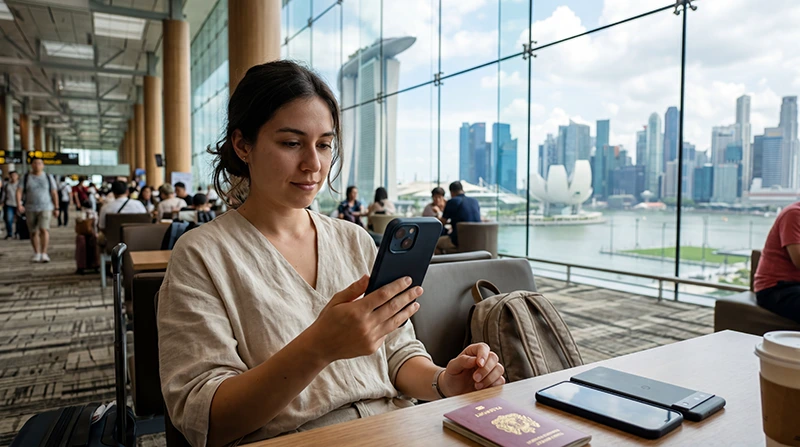

A phone supports eSIM Singapore travel only when the exact model includes eSIM hardware and software, the device is not carrier-locked, and its regional variant permits eSIM use.
A marketing name such as “iPhone 15” or “Galaxy S24” is not always enough. Models sold for different markets can have different SIM configurations, and corporate device policies can also block profile installation.
NoveSIM plans are data-only. Compatibility lets the phone install the plan, but it does not add a Singapore number or conventional voice and SMS service.
Quick answer: Your phone can use a Singapore travel eSIM only if all three checks pass: the settings include “Add eSIM” or an equivalent option, the exact regional model supports eSIM, and the handset is carrier-unlocked. An EID shown under device information or by *#06# is useful supporting evidence, but it does not prove the phone is unlocked.
Top Singapore eSIMs

Singapore eSIM
Fixed
1 GB, 7 days€ 3.132 GB, 15 days€ 4.473 GB, 30 days€ 5.37Unlimited
Unlimited, 1 day€ 3.58Unlimited, 3 days€ 6.26Unlimited, 5 days€ 8.95
Asia eSIM
Fixed
1 GB, 7 days€ 4.472 GB, 15 days€ 8.053 GB, 30 days€ 10.73Unlimited
Unlimited, 1 day€ 5.81Unlimited, 3 days€ 15.65Unlimited, 5 days€ 25.49Phone supports eSIM Singapore: the decisive checks
Three checks that must all pass
- eSIM capability: the exact model and regional variant must support downloadable SIM profiles.
- Carrier unlock: the phone must accept service from a provider other than the original carrier.
- Available eSIM capacity: the device must have room for another stored or active profile.
Start with the NoveSIM compatible-device list, but use the model number—not appearance alone—to identify the handset.
How to check an iPhone
- Open Settings > General > About.
- Record the model name and model number.
- Look for an EID; its presence is a strong sign that eSIM hardware is available.
- Open Settings > Cellular/Mobile Service and look for Add eSIM.
- In About, check Carrier Lock. It should indicate that there are no SIM restrictions.
If “Add eSIM” is absent, update iOS and restart once before concluding that the model is unsupported. A work-managed phone may hide the option through a device-management policy.
How to check an Android phone
Menu names differ by brand and Android version. Search Settings for eSIM, SIM manager, Add mobile plan or Download a SIM. On many Samsung devices the route begins under Connections; on Pixel devices it normally begins under Network & internet.
- Open Settings > About phone and record the full model code.
- Search the manufacturer’s support site for that model code and region.
- Open the SIM or mobile-network menu and confirm an eSIM-add option exists.
- Ask the original carrier to confirm unlock status if Settings does not show it clearly.
Do not infer support from another phone in the same product family. A regional variant may use two physical SIMs and omit eSIM even when an international version supports it.
Does dialling *#06# prove compatibility?
On many phones, dialling *#06# displays identifiers including an EID when eSIM is present. It is a useful clue, not the only decision test: dialler codes may be disabled, and an EID does not prove the handset is unlocked or allowed to install a profile.
Can you keep the home SIM active?
Many compatible phones support dual-SIM operation, allowing the home line to remain available for its number while the Singapore eSIM carries data. The number of stored profiles and simultaneously active lines varies by device.
After installation, choose the travel eSIM for mobile data and disable roaming on the home line. The steps are covered in the Singapore eSIM installation guide and activation guide.
What if the phone is locked?
An eSIM-capable but carrier-locked phone may reject the profile or refuse service from another provider. Only the carrier that imposed the lock can confirm eligibility and remove it. Purchasing another eSIM does not bypass a carrier restriction.
If the device cannot use eSIM, consider a registered physical tourist SIM or pocket Wi-Fi. The Singapore SIM card guide explains the local-number option.
Check before scanning the QR code
- Confirm the exact handset model and operating-system version.
- Connect the phone to stable Wi-Fi.
- Make sure the QR code is displayed on a second screen or printed.
- Do not delete an installed profile merely because it has not connected before arrival.
- Keep the installation details private; they are not a public QR code.
Related Articles
- Install a Singapore eSIM
- Activate a Singapore eSIM
- Choose an eSIM for Singapore
- Fix a Singapore eSIM
FAQ
Does seeing “Add eSIM” mean my phone is compatible?
It strongly indicates eSIM support, but you must still confirm the exact model and carrier-unlock status.
Can a carrier-locked phone use a travel eSIM?
Usually not when the travel provider differs from the locking carrier. Contact that carrier to confirm and request an unlock if eligible.
Can I install the Singapore eSIM before travelling?
Yes, and installing over reliable Wi-Fi before departure is recommended. Follow the plan instructions so that validity is not started earlier than intended.
What should I use if my phone has no eSIM support?
An unlocked phone may use a registered local physical SIM. Pocket Wi-Fi is another option when you need to connect several devices.
Final Recommendation
Confirm the exact model number, the visible eSIM-add option and carrier-unlocked status before buying a Singapore plan.
Install over stable Wi-Fi, retain the profile after installation and choose it as the data line only when you are ready to connect.
If any compatibility check fails, resolve it with the manufacturer or carrier before travel rather than trying repeated QR-code scans.
Once the phone supports eSIM Singapore use, keep the installed profile and remember that NoveSIM uses data.esim if a later APN check is needed.