


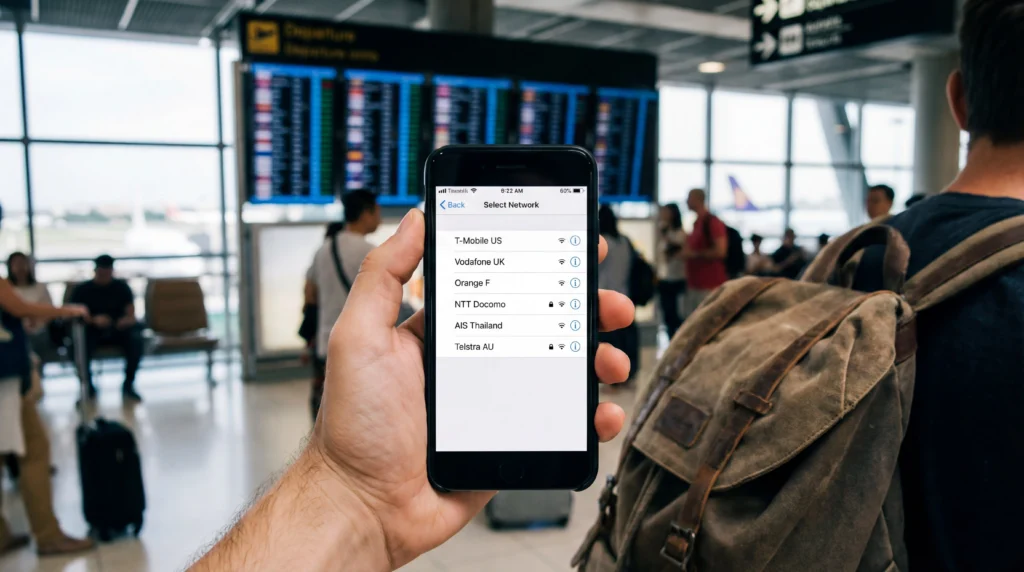

Manual network selection lets a phone test a specific carrier instead of choosing automatically. Use it only when the eSIM plan lists that carrier or NoveSIM Support asks for the test.
A network appearing in the list does not prove the plan is authorised to use it. Unsupported choices may show “Forbidden”, fail registration or connect without data.
NoveSIM travel eSIMs are data-only. Available partners depend on the plan, destination, device and current coverage.
Quick answer: Start with Automatic selection. If service fails and an authorised partner is known, turn Automatic off, select that carrier, wait several minutes and test a webpage. Return to Automatic if registration fails or when moving to another area.
Top eSIMs

When Manual Network Selection Is Useful
It can help when Automatic repeatedly chooses a weak partner, the phone is stuck on No Service or a border area exposes several networks. It is not a substitute for an active plan, remaining data or compatible device.
Check the current product page through NoveSIM destination plans before choosing a carrier.
How to Select a Network on iPhone
- Open Settings > Cellular or Mobile Data.
- Select the travel eSIM.
- Tap Network Selection.
- Turn off Automatic.
- Wait for the list and choose only an authorised partner.
- Allow several minutes, then test a webpage.
How to Select a Network on Android
Open Settings and look under Connections, Mobile Networks, Network & Internet or SIM Manager. Select the travel eSIM, open Network operators, disable automatic selection and choose the approved carrier. Names vary by manufacturer.
Before Blaming Network Selection
Confirm the travel eSIM is enabled, selected for Mobile Data and has Data Roaming on. Keep primary-line roaming off and disable automatic data switching. The roaming guide covers these controls.
If manual NoveSIM APN entry is required, use data.esim. APN and network selection solve different parts of the connection.
Return to Automatic
Automatic selection is normally better when travelling between cities or countries because an authorised partner can change. Restore it after a temporary test unless Support gives a different instruction.
If no authorised carrier registers, follow the No Service troubleshooting guide. Keep the eSIM installed.
Related Articles
FAQ
Should I use manual network selection?
Only when Automatic fails and the plan or Support identifies an authorised partner.
Why does a visible network reject my eSIM?
Visibility does not mean the plan has a roaming agreement with that carrier.
Will manual selection stay active?
Usually yes until changed, which can prevent registration after moving. Restore Automatic when appropriate.
Should I delete the eSIM if no network works?
No. Preserve it and contact Support with the networks and errors shown.
Final Recommendation
Use manual network selection as a controlled diagnostic, not the default first step.
Test only authorised partners and compare from the same location.
Return to Automatic for normal travel and keep the installed profile if Support is needed.