


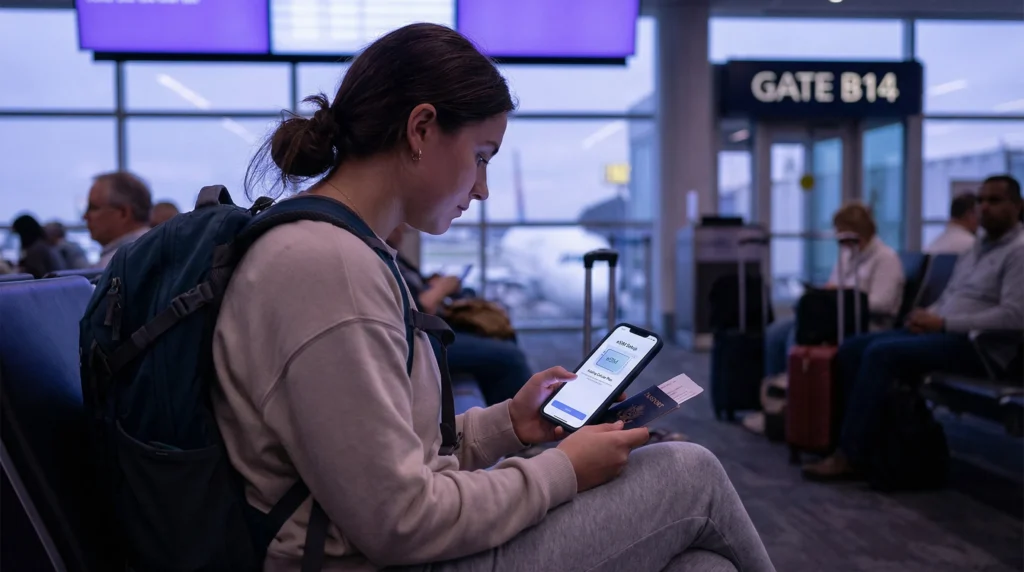

Installing an eSIM before travel is usually safer than waiting until arrival because you can use reliable Wi-Fi, access the order details easily and resolve compatibility questions before the travel day. The important distinction is that installing a profile and activating a data plan are not always the same event.
Quick answer: Install the eSIM before departure on stable private Wi-Fi, but follow the product instructions for when validity begins. Keep the travel line off until it is needed if instructed, then enable it after landing, select it for Mobile Data and turn on Data Roaming for that line when required.
Top eSIMs

Installation, activation and connection are different stages
Installation adds the eSIM profile to the phone. Activation starts the plan under the conditions shown in the order. Network registration happens when the enabled eSIM connects to an authorised partner network.
Some plans begin validity when installed; others start on first network connection in the destination. Read the exact activation rule before scanning the QR code. A generic rule cannot safely replace the instructions supplied with the purchased plan.
Why installing before departure is usually better
- You can use dependable Wi-Fi rather than an unfamiliar airport hotspot.
- The QR code and confirmation email are easier to access on another screen.
- You have time to confirm that the phone is unlocked and eSIM-compatible.
- You can label both SIM lines clearly before the arrival rush.
- You avoid depending on mobile data to install the service intended to provide mobile data.
Preparation is especially valuable when the first hour requires a transfer app, digital ticket, accommodation message or navigation.
Check the phone before scanning
Confirm the exact model—not only the product family—on the compatible-device list. The device must also be carrier-unlocked. A phone can support eSIM technically while remaining locked to its original network.
Update the operating system in advance, ensure there is enough battery power and connect to private Wi-Fi. Keep the QR code confidential: it is an installation credential, not an image to share publicly.
How to install without starting the plan too early
- Open the order email or account details on a second screen.
- Use Add eSIM, Add Cellular Plan or SIM Manager on the phone.
- Scan the QR code once and wait for the profile to appear.
- Give the line a clear name such as “Travel.”
- Follow the supplied instruction on whether to leave the line off before arrival.
- Do not test mobile data early if first connection starts validity.
If the profile appears in Settings, repeated scanning is unnecessary and may produce an error because many QR codes are designed for one installation.
Settings to use after landing
Turn on the travel eSIM and select it as the Mobile Data line. Enable Data Roaming on the travel eSIM when required for partner-network access. Keep Data Roaming off on the primary SIM and disable automatic mobile-data switching if you want to prevent fallback charges.
Leave Network Selection on Automatic at first. Wait several minutes, then test maps and a normal webpage away from Wi-Fi. If manual APN entry is required for NoveSIM, use data.esim with blank username and password.
When you may need to install after arrival
Delay installation only when the plan instructions explicitly say that installation starts validity and installing early would waste paid days, or when the provider requires presence in the destination. In that case, save the QR code offline and identify a trusted Wi-Fi connection before travelling.
A screenshot of a QR code on the same phone cannot normally be scanned by that phone without an alternative installation method. Keep the code accessible on another device or use the manual details when provided.
If the eSIM does not connect
Check that the plan includes the current country, the profile is enabled, the travel line is selected for data and its required roaming setting is on. Toggle Airplane Mode once and restart if necessary. Do not delete the profile as an early troubleshooting step.
Contact NoveSIM Support with the order number, phone model, location and safe screenshots if the reversible checks fail. Never expose the QR code or activation credentials.
Related Articles
- How NoveSIM works
- eSIM-compatible devices
- Install eSIM on iPhone
- Install eSIM on Android
- Travel eSIM roaming settings
- Fix eSIM No Service
FAQ
How early can I install an eSIM?
You can often install it before departure, but the safe timing depends on the plan’s activation rule. Check whether validity begins at installation, first network connection or another stated event.
Will installing an eSIM immediately use data?
Not if the line remains off and is not selected for mobile data, but activation rules differ. Follow the order instructions instead of assuming installation never starts validity.
Do I need Wi-Fi to install an eSIM?
Yes, installation normally needs an internet connection. Stable private Wi-Fi before travel is preferable to relying on an airport network after landing.
Should I delete an eSIM that does not activate?
No. Check the plan status and phone settings, then contact support. Deletion can remove a profile that cannot be restored with the same QR code.
Final Recommendation
Install before travel when the plan’s activation terms allow it. Complete the process on secure Wi-Fi, label the line and keep the QR code private so that arrival requires only a few controlled settings.
After landing, use the travel eSIM for Mobile Data, enable its required roaming setting and protect the primary line from automatic data use. Preserve the installed profile if troubleshooting is needed.