


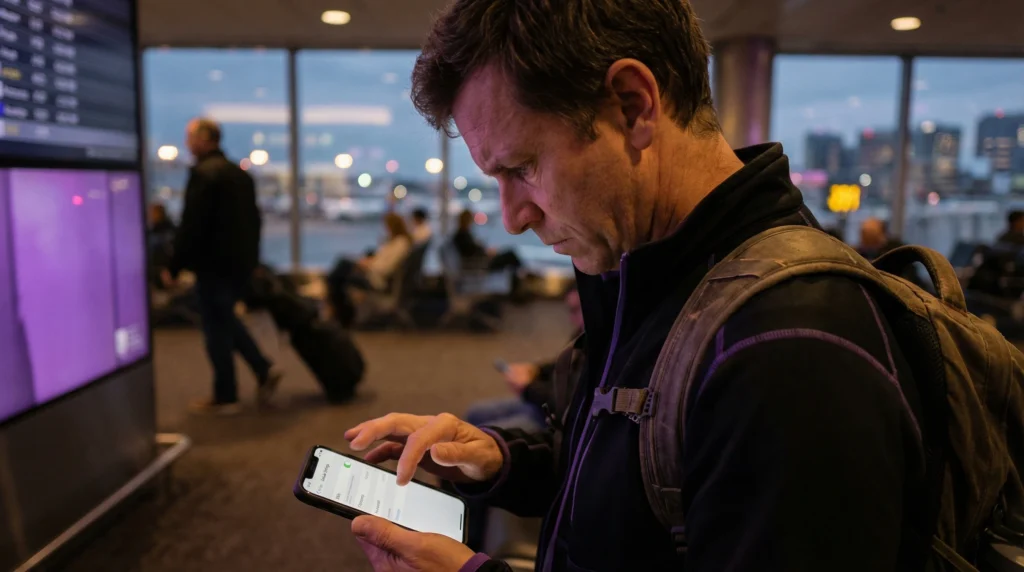

You installed your eSIM successfully — but now it’s not showing on your device.
Common situations:
- eSIM profile disappeared
- eSIM not visible in SIM manager
- no mobile plan listed
- eSIM missing after restart
Before you panic:
- In most cases, the eSIM is still there — it just needs to be enabled or refreshed.
Most users fix this in minutes.
Most common cause — eSIM is installed but disabled
Sometimes the profile is installed but turned OFF.
Fix:
- Settings → SIM Manager → eSIM → toggle ON
If disabled, it won’t appear as active
Second cause — device needs restart
After installation, some phones require reboot to finalize registration.
Fix:
- Restart your phone.
- Reopen SIM settings after reboot.
This often makes the eSIM visible.
Third cause — wrong SIM view selected
Some devices hide secondary SIMs in submenus.
Check:
- Settings → Mobile Network → SIMs
- or
- Settings → Cellular → Add eSIM
On some Android devices, scroll down — it may not appear at top.
Fourth cause — installation incomplete
If the QR scan was interrupted, installation may not have completed.
Signs:
- No confirmation screen
- No “Plan Added” message
In this case, reinstall the eSIM.
Fifth cause — network not detected yet
Some eSIMs only appear fully active once connected to a supported network.
If you:
- Installed before travel
- Are not yet in destination country
the eSIM may not show as active. This is normal behavior.
Sixth cause — software glitch
Temporary system bugs can hide eSIM.
Fix:
- Toggle airplane mode
- Restart device
- Check for software updates
Seventh cause — device compatibility limitation
Not all devices support multiple eSIM profiles.
Some phones:
- Allow only one active eSIM
- Require disabling another SIM first
Check compatibility: 👉 https://novesim.com/compatible-devices/
Quick fix checklist
Try in this order:
- Restart phone
- Check SIM Manager
- Toggle eSIM ON
- Toggle airplane mode
- Reinstall only if necessary
This solves most visibility issues.
When reinstall is required
Reinstall only if:
- Profile truly missing
- Installation failed
- Device shows no eSIM section at all
Otherwise, reinstalling is unnecessary.
Biggest myth
- Myth -> If eSIM is not showing, installation failed.
- Reality -> It’s usually hidden, disabled, or waiting for network connection.
Real traveler scenario
- 1. Traveler installs eSIM before trip.
- 2. Doesn’t see it active.
- 3. After landing → eSIM appears and connects automatically.
When to contact support
Contact support if:
- Profile never appears after reinstall
- Installation error repeated
- Device doesn’t support eSIM
These cases are rare.
Final verdict
If your eSIM is installed but not showing, it’s usually caused by:
- Disabled profile
- Reboot required
- Incomplete installation
- Network delay
Most issues are quick to fix.
Popular eSIM destinations
Find compatible eSIM plans for your trip: 👉 https://novesim.com/destinations/
Frequently asked questions
Why is my eSIM installed but not showing?
It may be disabled, hidden in settings, or waiting for network activation.
Do I need to restart after installing eSIM?
Yes. Restarting often makes the eSIM profile visible.
Can eSIM disappear after restart?
Rarely. If it disappears, check SIM manager or reinstall the profile.
Should I reinstall eSIM if not visible?
Only if it does not appear in SIM settings after troubleshooting.